
Osaurus Is Now on Windows 11
Osaurus is now on Windows 11. The local-first agent harness, built natively for Windows, is in beta with local models, private cloud access and agents.
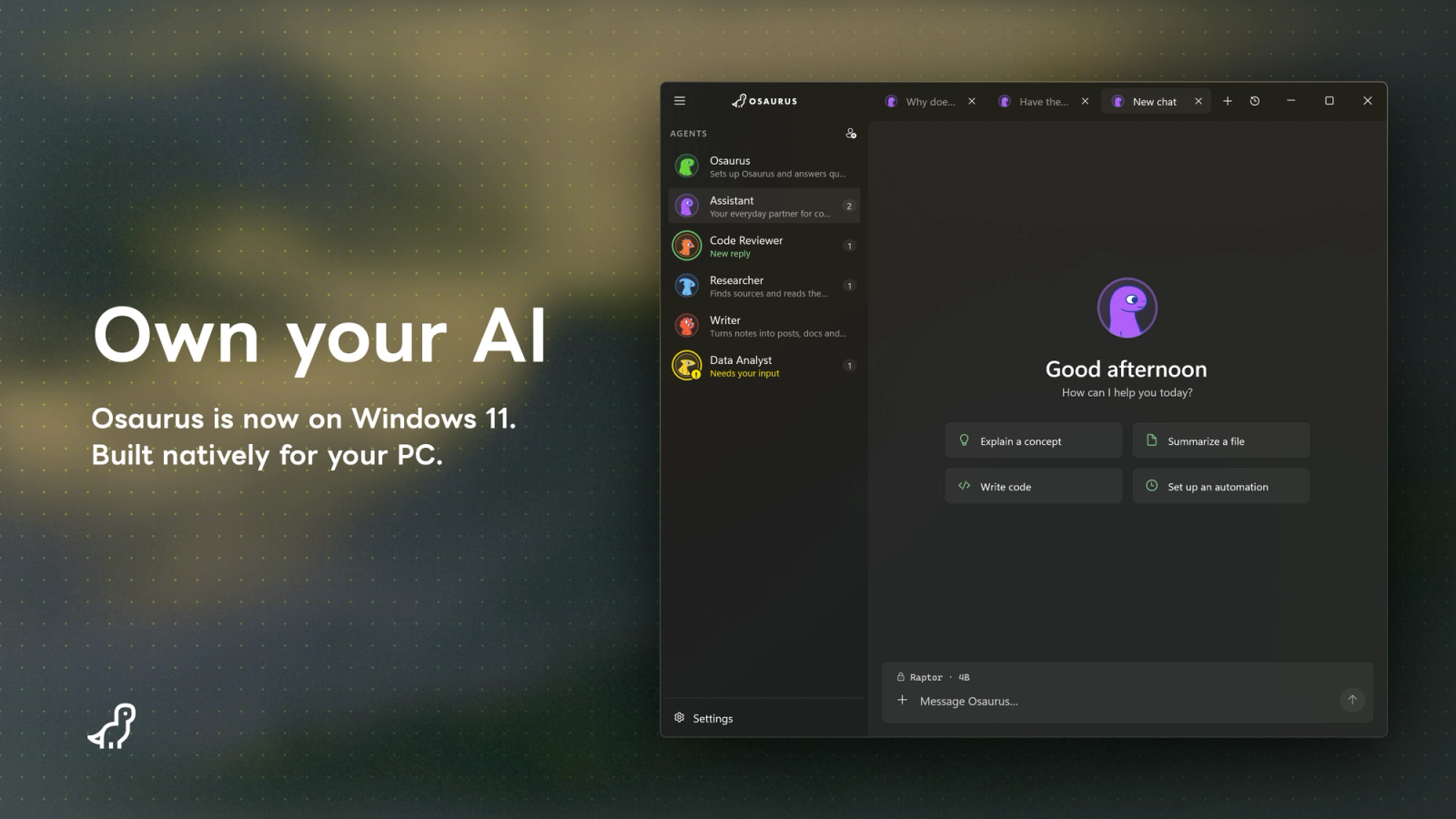
Today we’re opening the Osaurus beta on Windows 11. Sign up at osaurus.ai/windows to be added to the next wave of beta testers.
The Windows app is built natively in C# and WinUI 3 on .NET 10. Local models run through llama.cpp, which picks CUDA, Vulkan or CPU on its own.
Most of the world’s computers run Windows. Local-first AI shouldn’t depend on which laptop you bought.
What’s in the beta
Local models. Browse and download GGUF models from Hugging Face, or use the ones you already have from LM Studio or Ollama. They run on your machine, offline, with no account.
Raptor, on Windows. Our small agent model now ships as a GGUF built for Osaurus on Windows: 2.6 GB at Q4_K_M, 3.4 GB at Q6_K. It’s the quickest way to try a local agent on your PC. Read how Raptor got here in Raptor 0.5 and Raptor 0.6, or get the weights on Hugging Face.
Cloud when you want it. Use Osaurus Cloud credits for private access to frontier models, with no keys to manage. Or bring your own keys for OpenAI, Anthropic, Gemini, xAI, OpenRouter or any OpenAI-compatible endpoint. Local-first, not local-only.
Agents that do things. Read and edit files, run commands, search the web, and connect MCP servers and skills. Every action goes through an approval prompt you answer inline.
Works with your Mac. Pair your PC with Osaurus on a Mac on the same local network and share agents between them. Chat with a Mac agent from Windows, or the other way around.
Workspaces. Join an Osaurus Workspace from Windows. Use the agents your teammates share, share your own, and draw on the workspace’s credit pool, whether they’re on a Mac or a PC.
One server for everything. An OpenAI-, Anthropic- and Ollama-compatible API at 127.0.0.1:1337, the same address as on the Mac, so Cursor, Claude Desktop or your own scripts can use the same models the app does.
Yours by default. Chat history and keys are encrypted on disk. Nothing leaves your machine unless you send it.
What you'll need
- Windows 11, x64 or ARM64
- To run models locally: a GPU with at least 12 GB VRAM (NVIDIA, AMD or Intel), 16 GB RAM and about 20 GB of free disk. 32 GB RAM is recommended for larger models.
It's a beta
The Windows app doesn’t yet do everything the Mac app does. Persistent memory, automations, sandboxing, and more are still to come. Some things will break, and some things will be confusing. That’s what the beta is for.
Feedback goes to the Windows beta community section. Bugs, confusing bits, things you would change: all of it helps shape what ships.
If you’re on a Mac, nothing changes for you. If you know someone who has been waiting for Osaurus on Windows, this is the one to pass on.